Ready-Made Templates for
Project Managers
Pick a template, download it, and start your project today. No starting from scratch. No wasted time.
How It Works
Three simple steps — like ordering pizza, but for project documents
Pick a Template
Browse 270+ ready-made documents. Filter by your industry (Healthcare, Construction, Finance, etc.) or the type of document you need (Project Plan, Risk Register, Budget, etc.).
Download It
Get an Excel or Word file you can open right away in Google Sheets, Microsoft Excel, Monday.com, or Smartsheet. No special software needed.
Use It
Fill in your project details. Everything is already set up and formatted — like a form that is already filled halfway in. Just add your project info and go.
What You Get
Three tools that save project managers hours every week
Professional Templates
Project plans, budgets, risk registers, KPI dashboards, communication plans — all built to PMI standards. Covers 18 industries so your document looks right for your specific field.
Browse TemplatesAI Document Creator
Do not see exactly what you need? Describe your project in plain words and the AI builds a custom document for you in seconds — complete, formatted, and ready to present to your boss or client.
Try AI GeneratorAI Writing Helper
Already have a template but not sure what to write? The AI Suggestor reads your project description and fills in the right content for each section — like having a PM expert sitting next to you.
Try AI SuggestorSee It In Action
Watch the full walkthrough or try the interactive demo below
How to download a Project Plan
This is what a real template card looks like
Construction Project Plan
Comprehensive Work Breakdown Structure with Gantt timeline, budget tracking, and milestone management| # | Task Name | Start | End | Status |
|---|---|---|---|---|
| Phase 1 — Project Initiation | ||||
| 1.1 | Kickoff Meeting | Jan 6 | Jan 6 | Complete |
| 1.2 | Scope Definition | Jan 7 | Jan 10 | Complete |
| 1.3 | Stakeholder Sign-off | Jan 13 | Jan 14 | In Progress |
| Phase 2 — Design & Planning | ||||
| 2.1 | Site Survey | Jan 15 | Jan 20 | Not Started |
| 2.2 | Architectural Review | Jan 21 | Jan 28 | Not Started |
How the AI Generator works
Free account gets 1 generation. Professional plan: 6/month.
How the AI Writing Helper works
Free account gets 1 suggestion. Professional plan: 4/month.
Sample Templates
Preview our professional PM templates with real project examples
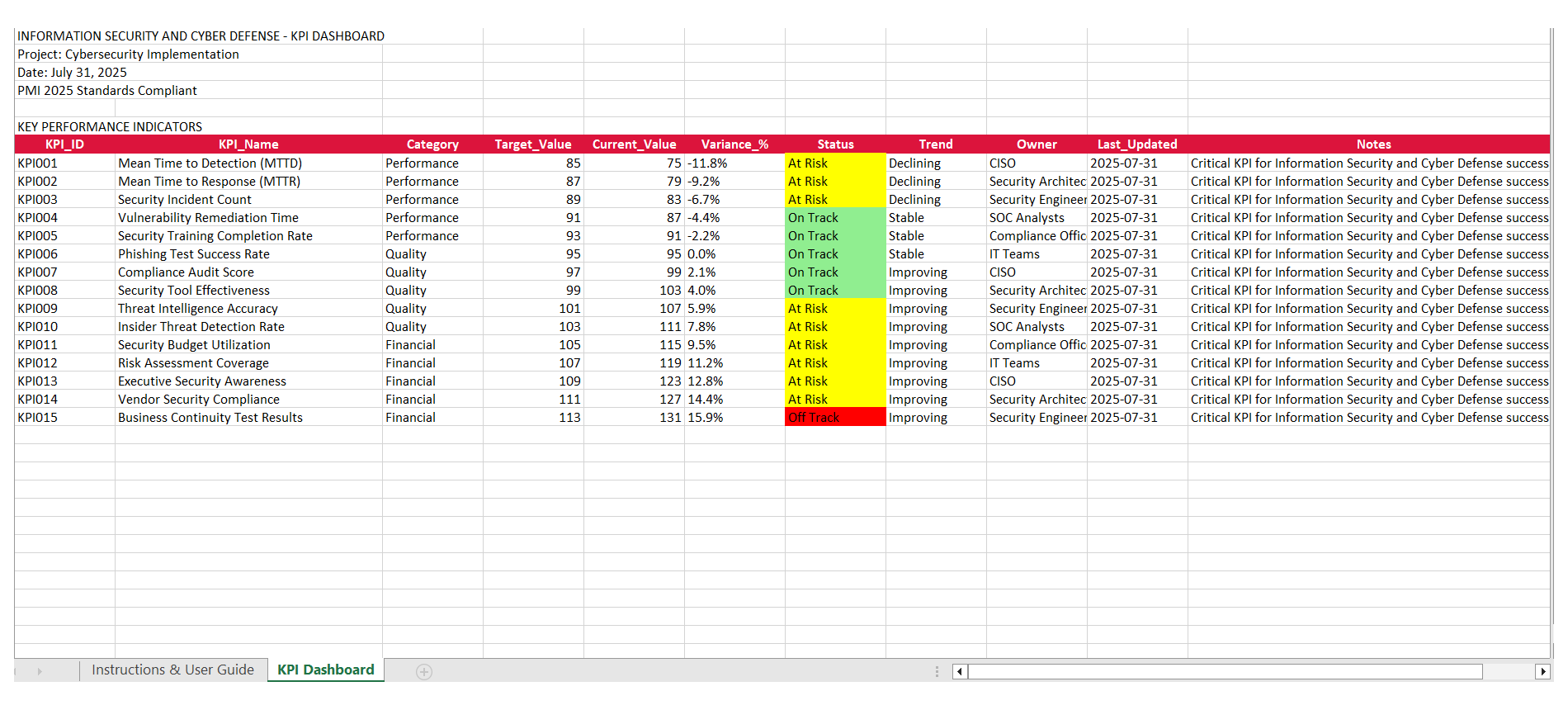
KPI Dashboard
Information Security and Cyber Defense KPI tracking
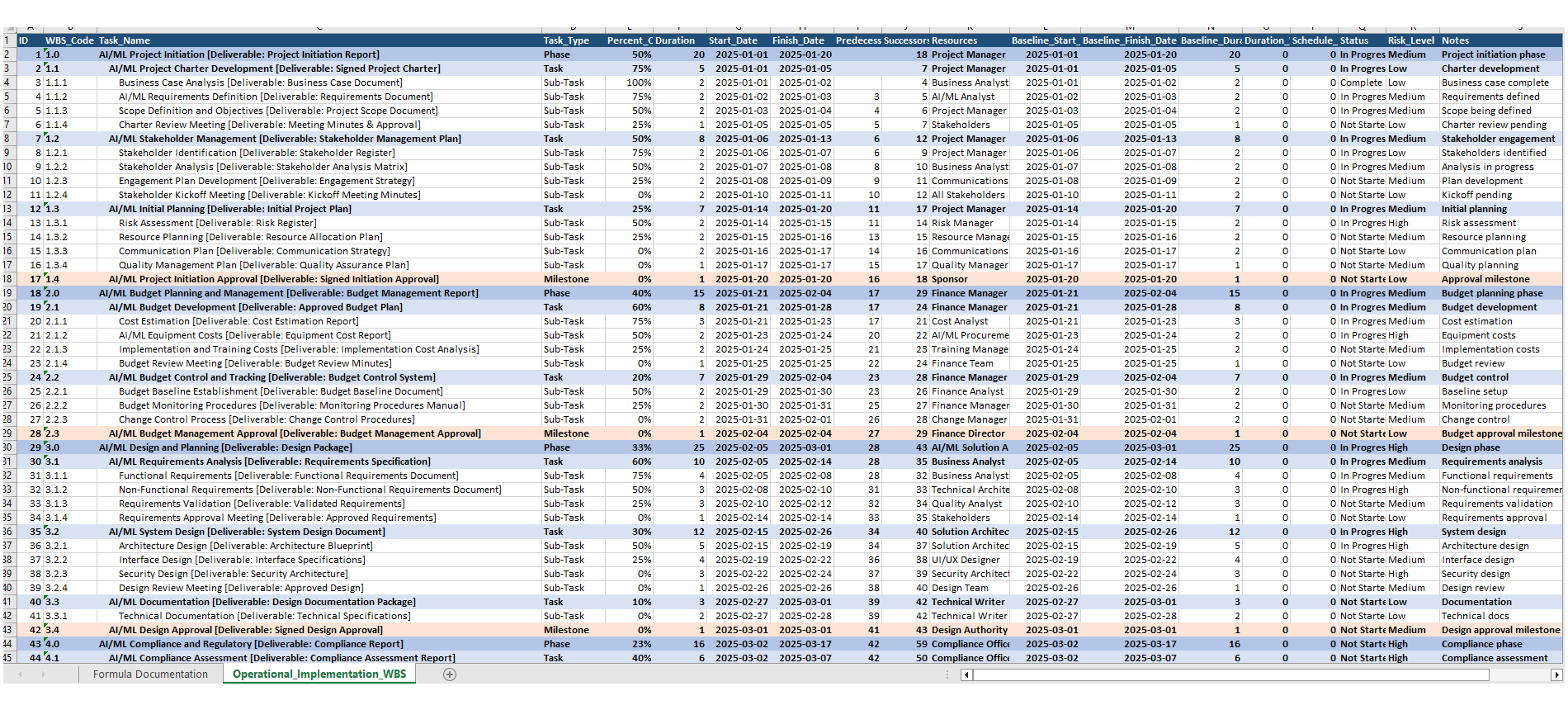
Project Plan
Comprehensive Work Breakdown Structure with timeline
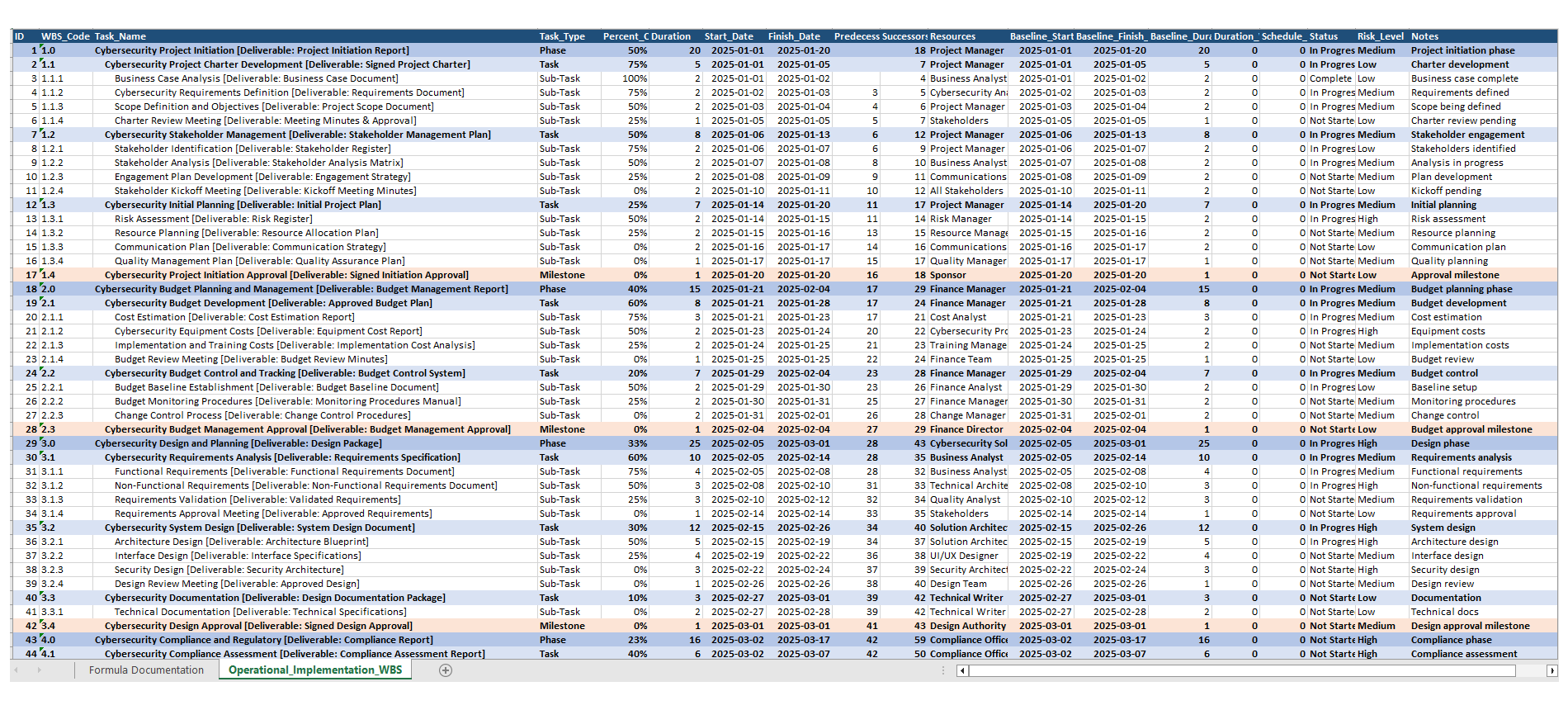
Project Plan
Cybersecurity implementation project plan
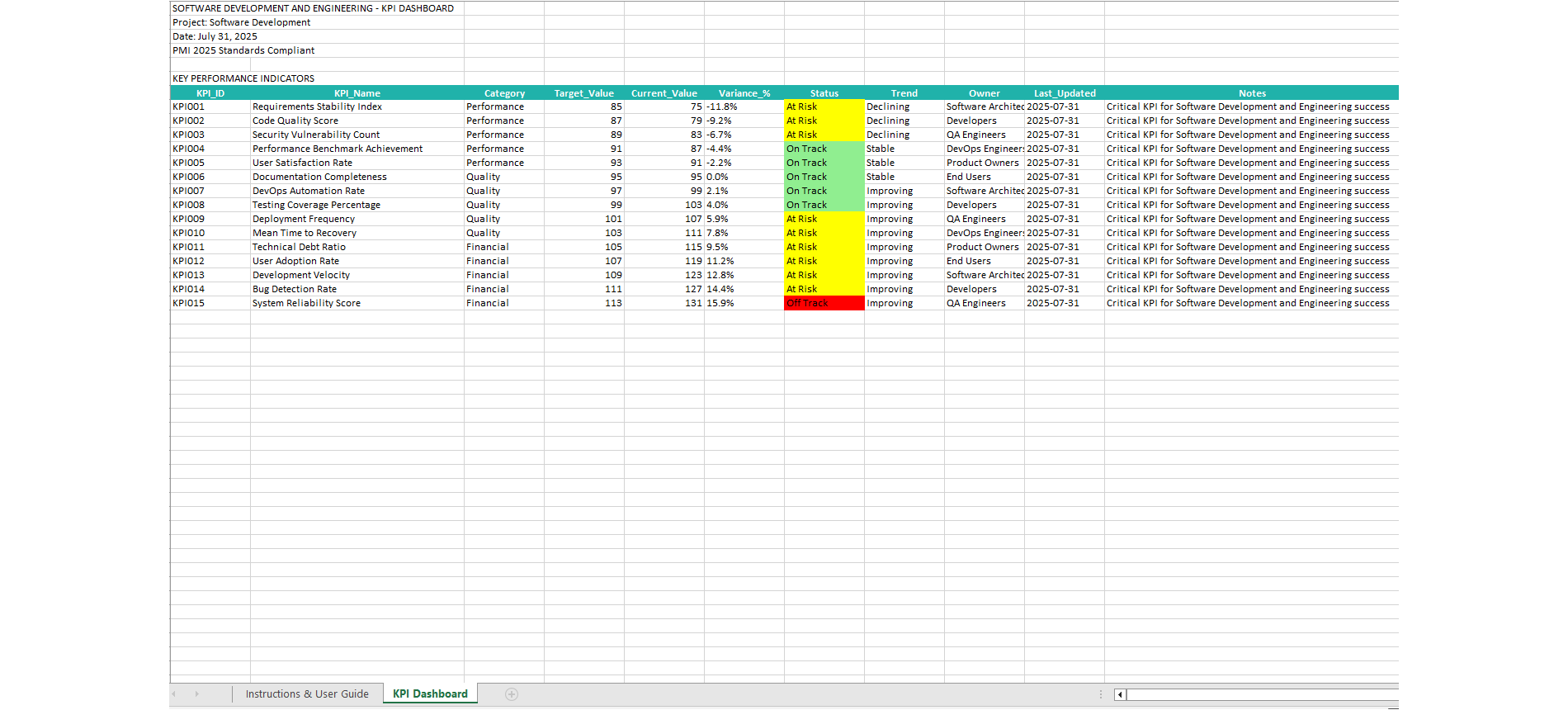
KPI Dashboard
Software Development and Engineering KPI metrics
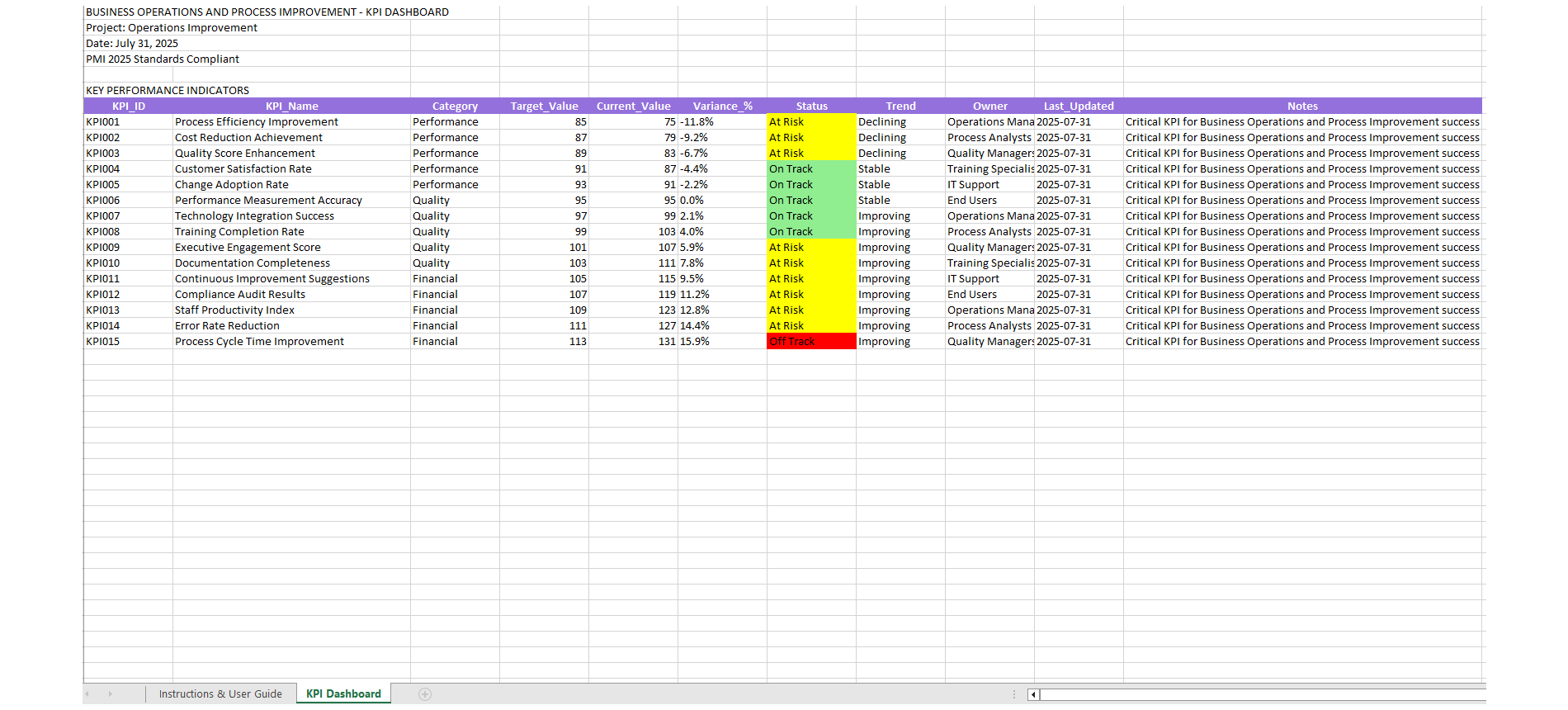
Project Template
Professional project management template
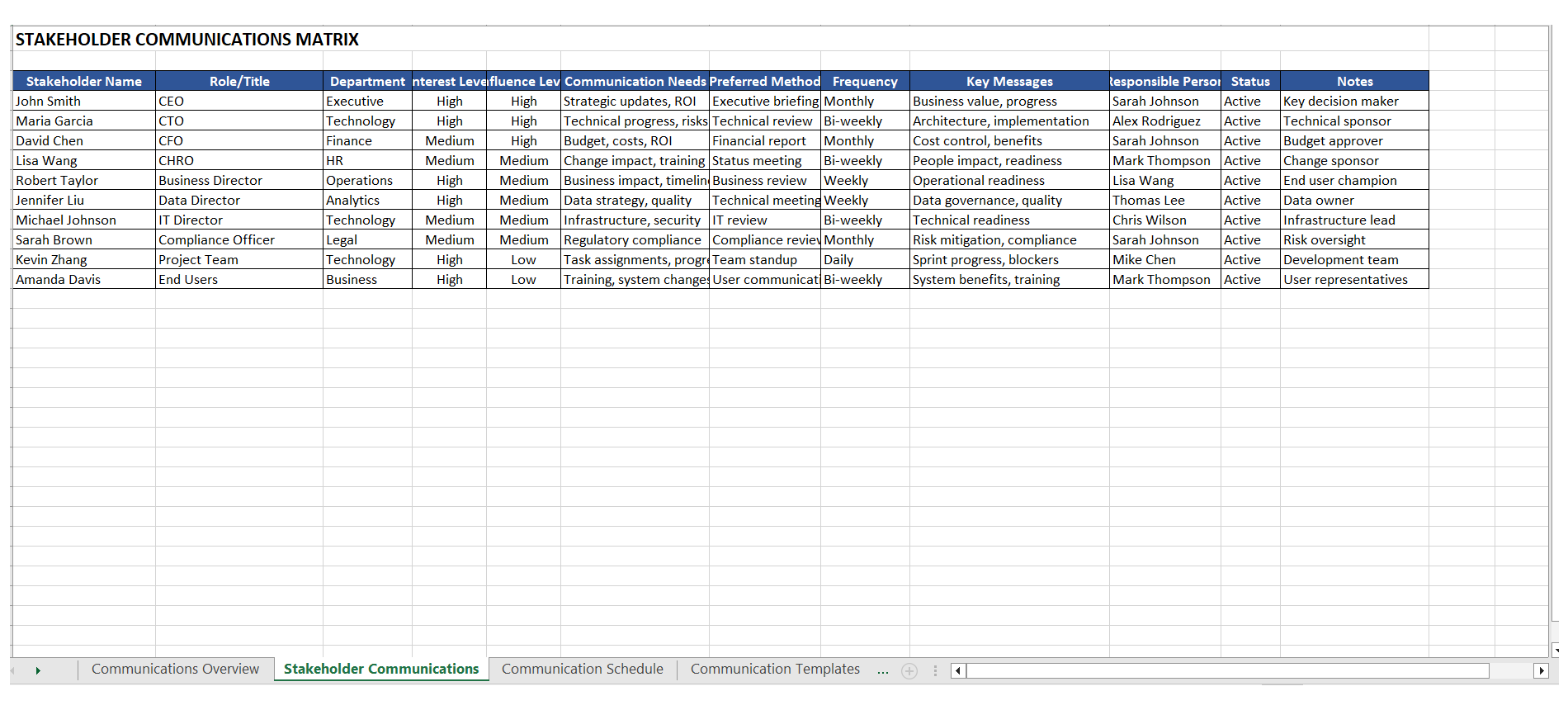
Project Template
Professional project management template
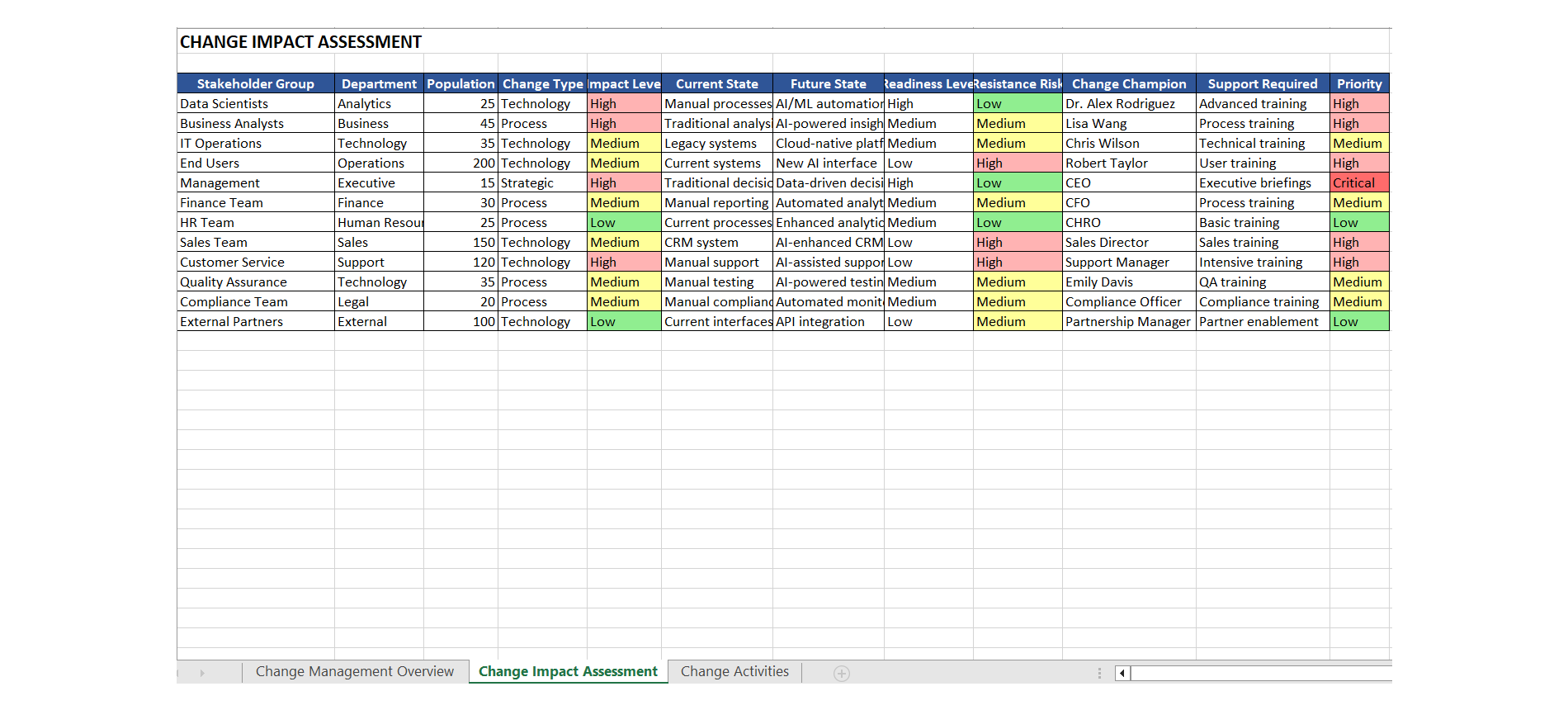
Project Template
Professional project management template
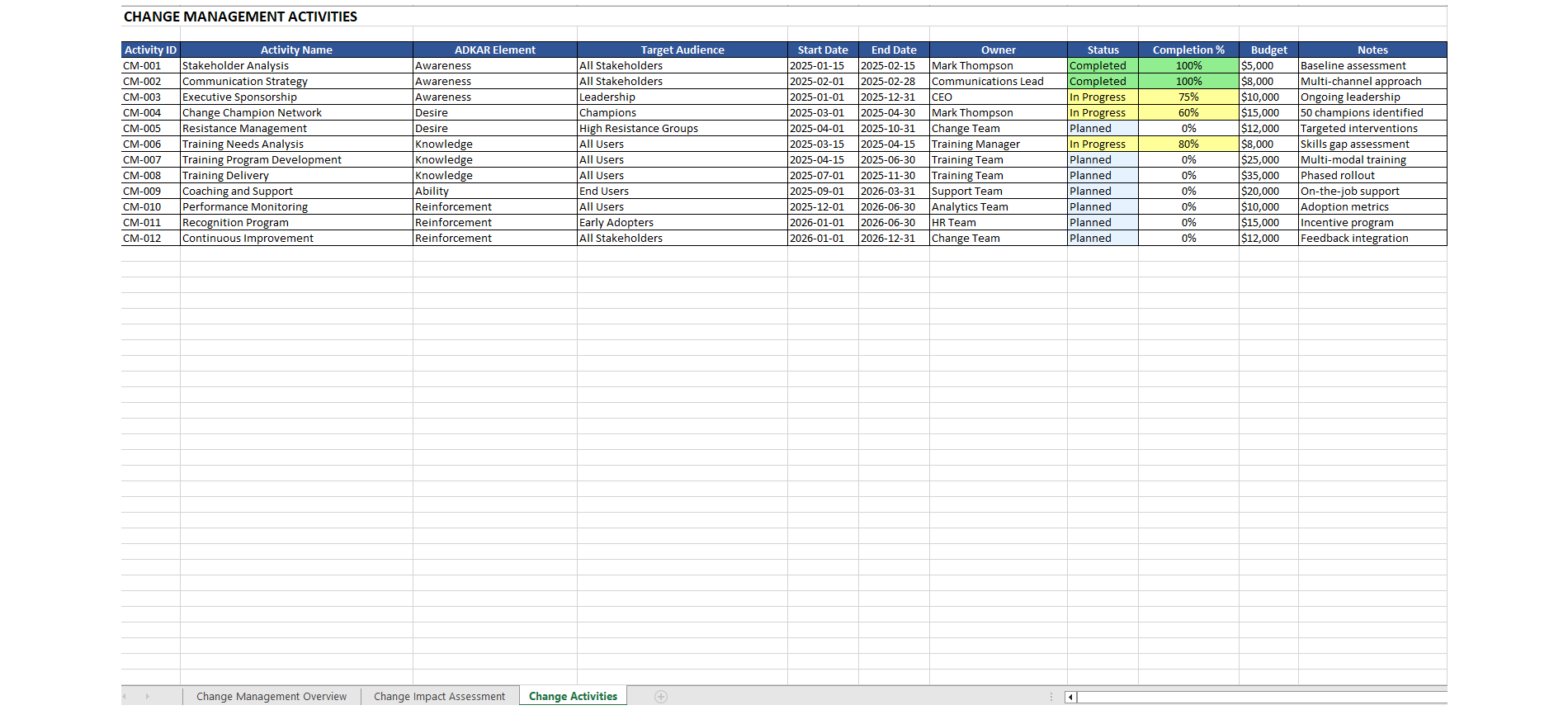
Project Template
Professional project management template
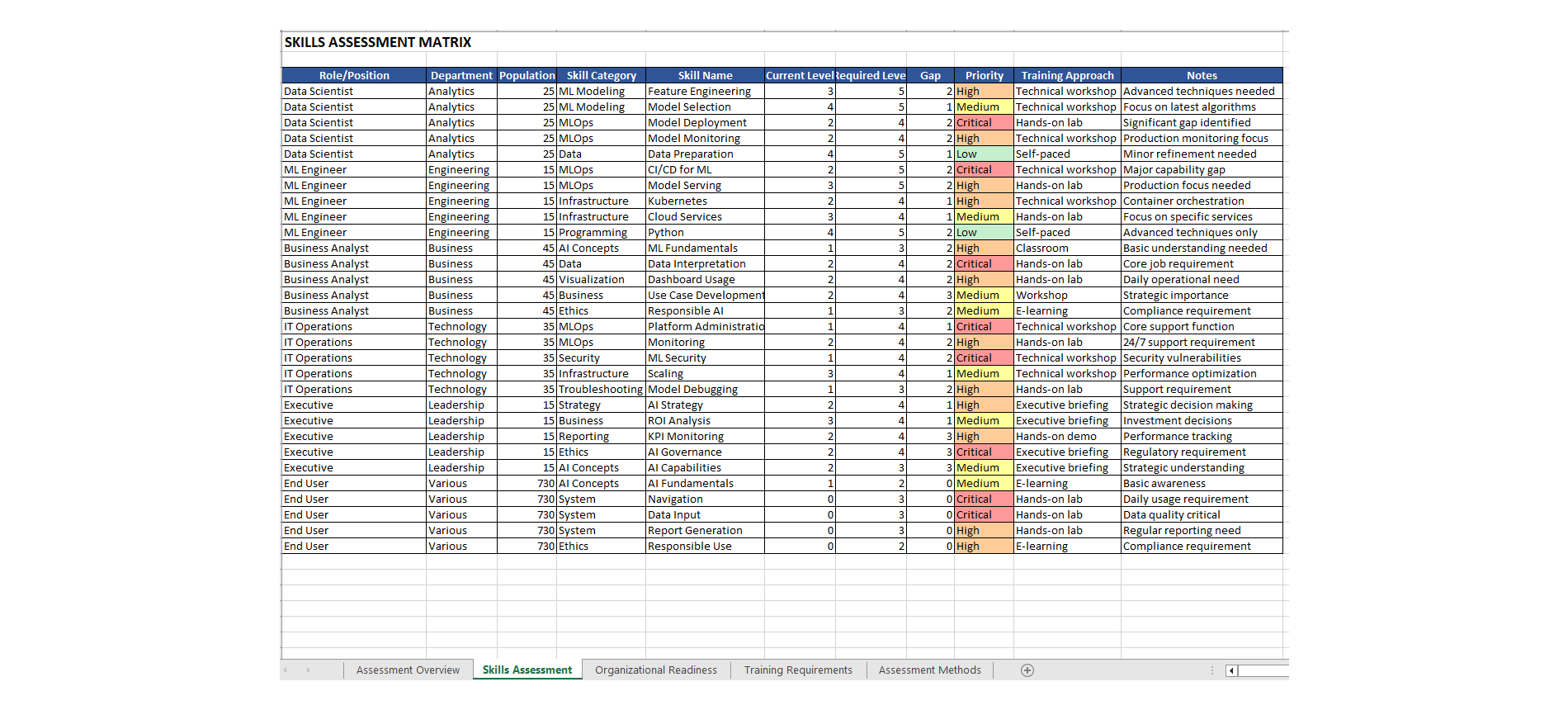
Project Template
Professional project management template
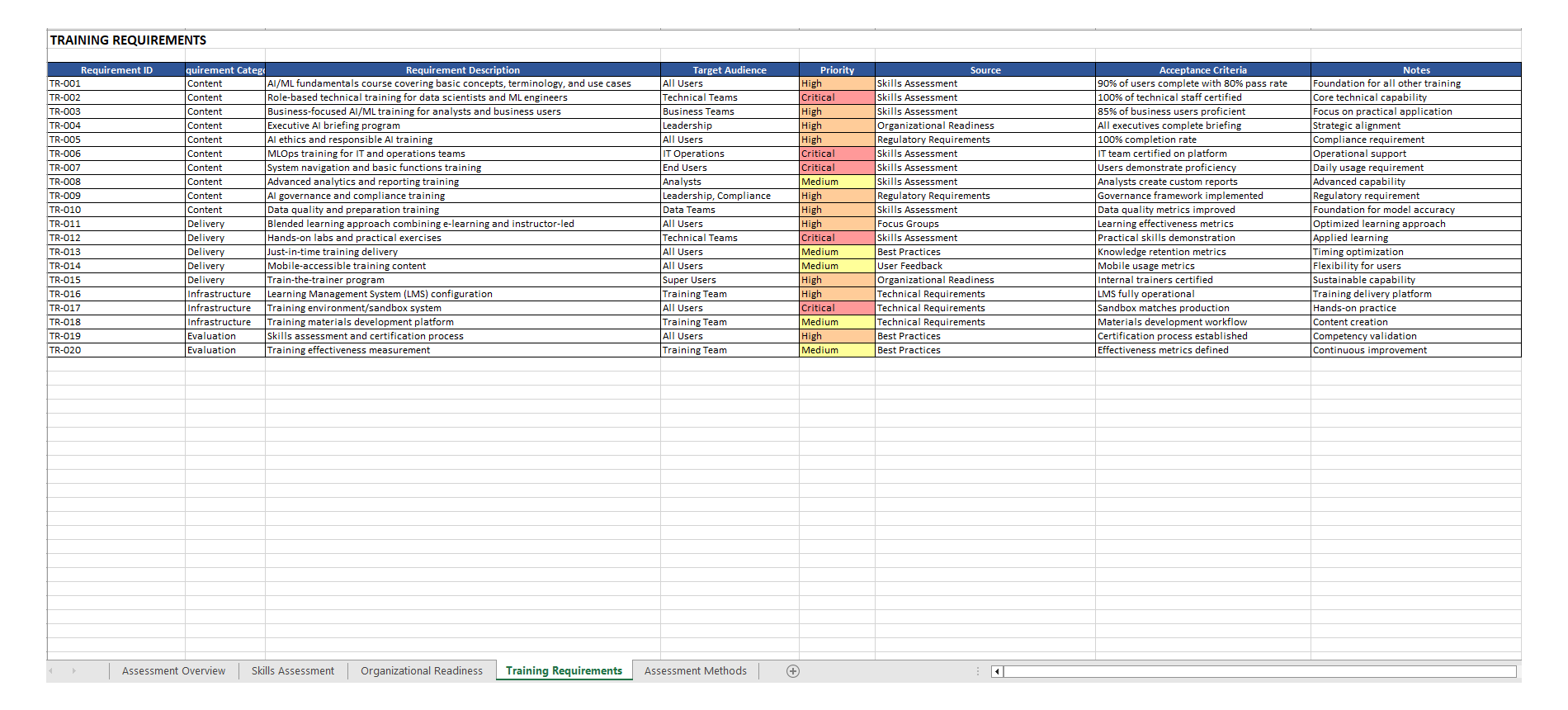
Project Template
Professional project management template
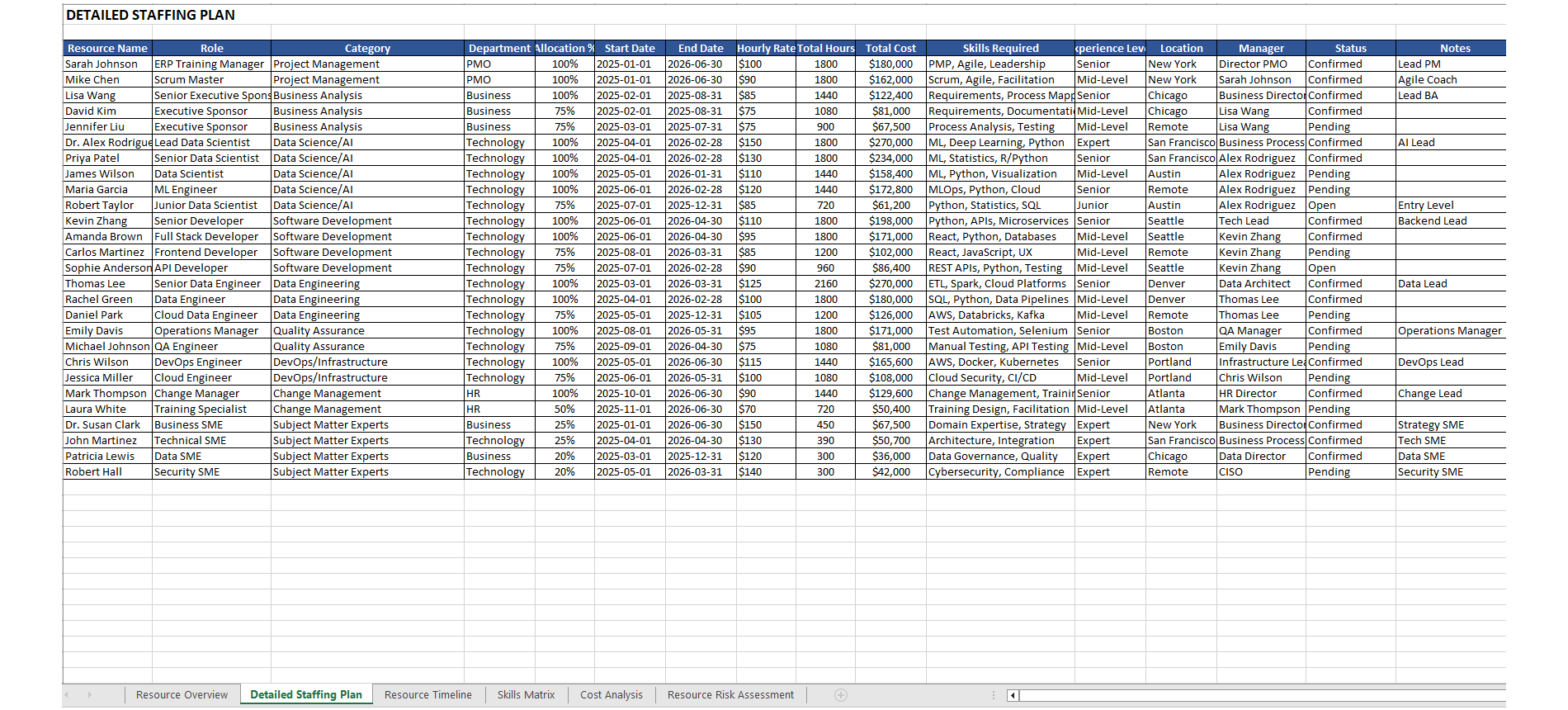
Project Template
Professional project management template
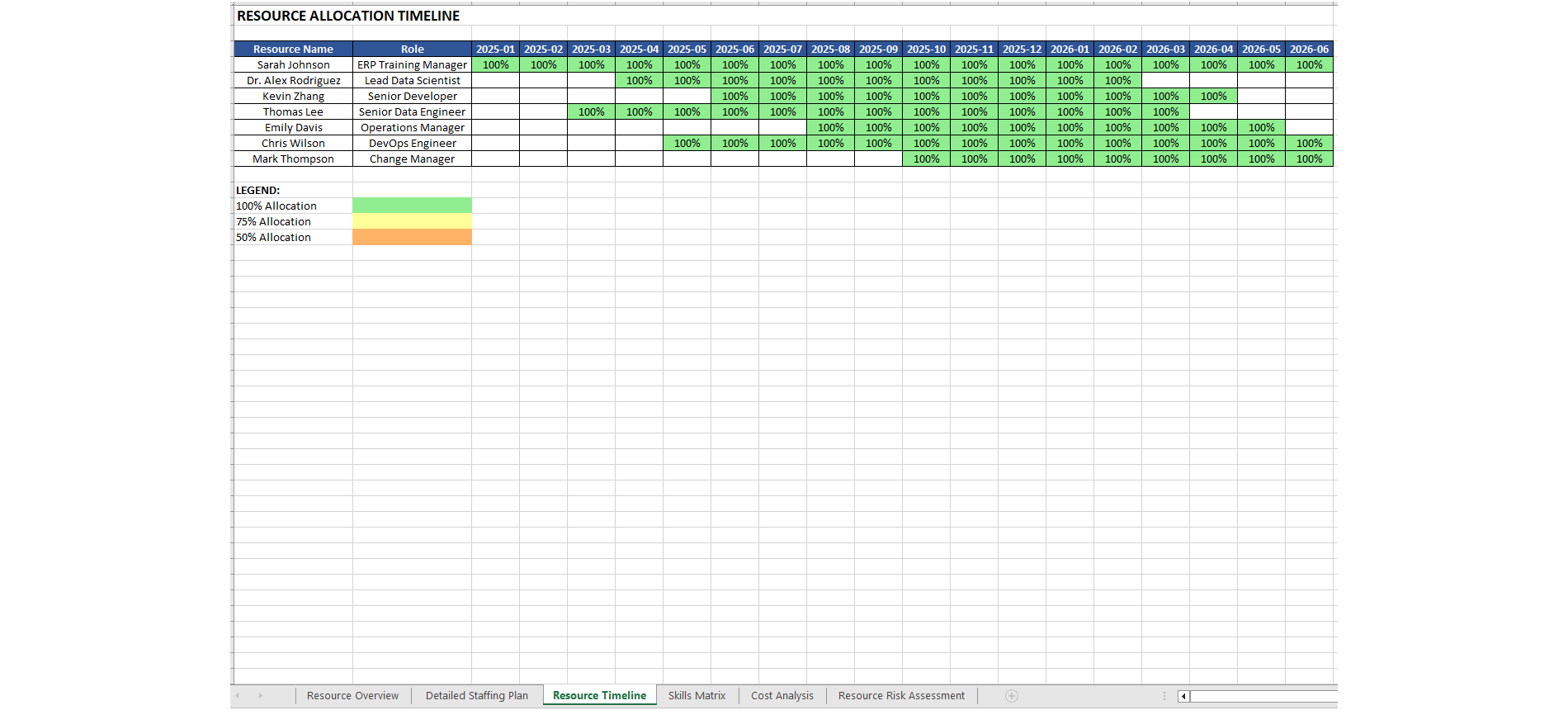
Project Template
Professional project management template
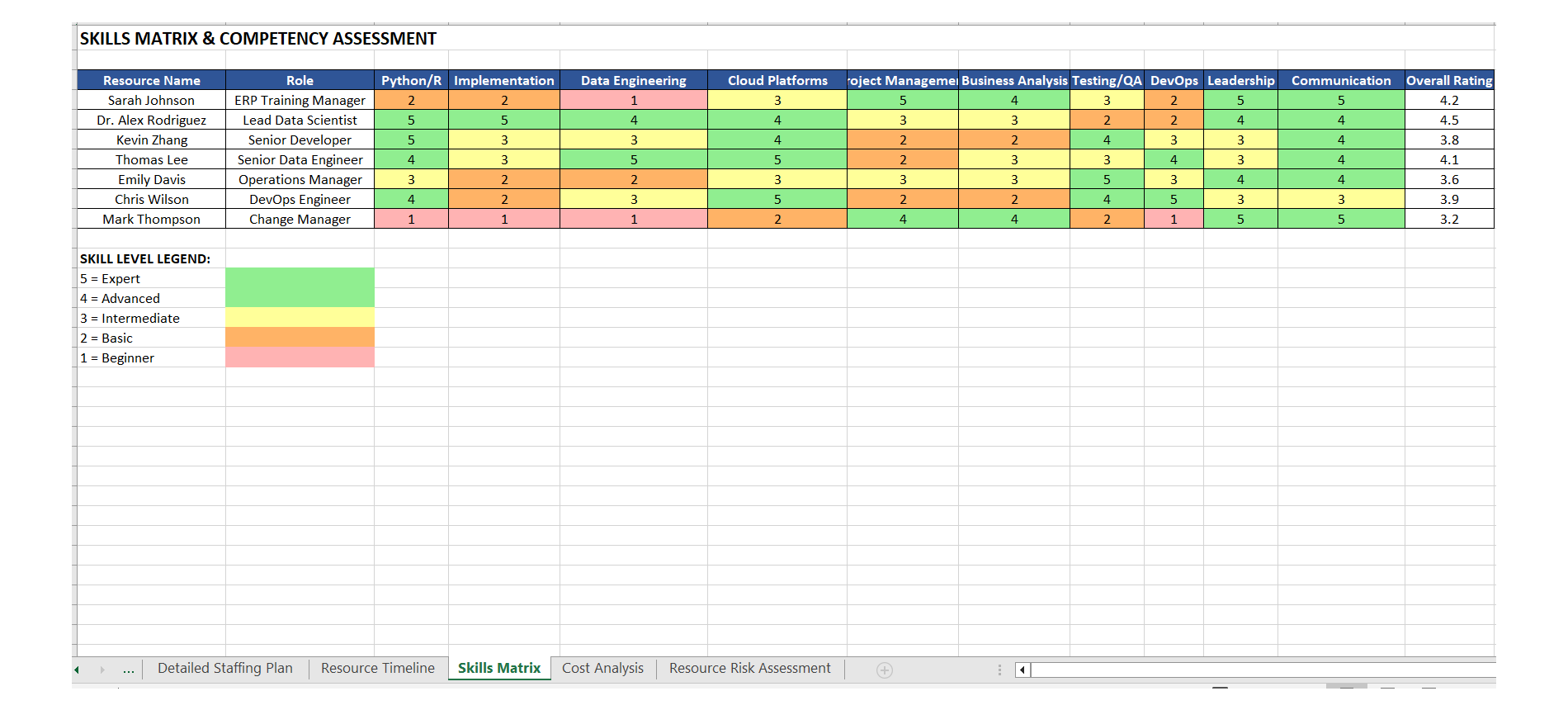
Project Template
Professional project management template
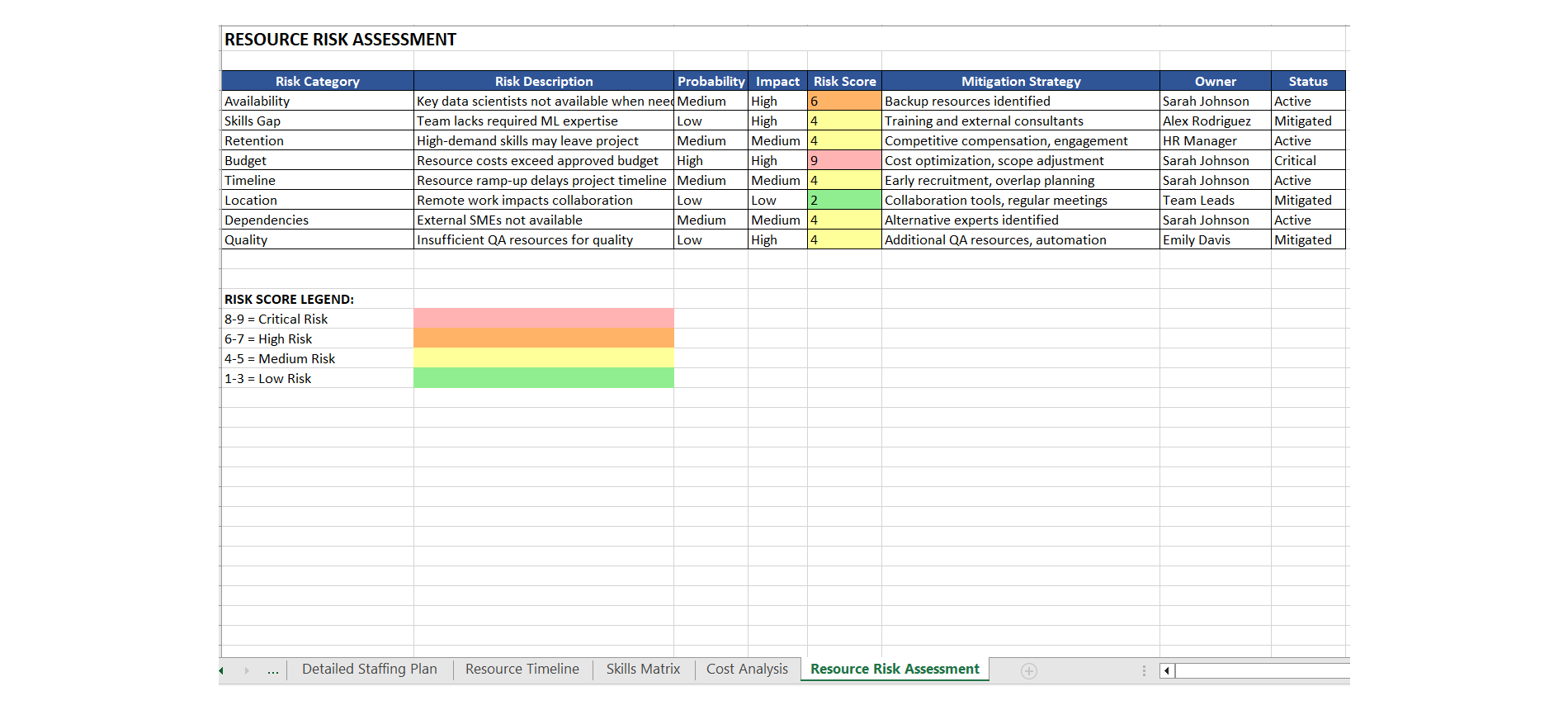
Project Template
Professional project management template
Scroll to see more samples →
Works With the Tools You Already Use
Download once, open anywhere — no new software to learn
Simple Pricing
Start free. Pay only when you need more. Cancel any time.
- 1 template download
- 1 AI document
- 1 AI suggestion
- 1 template per purchase
- No subscription needed
- 2 template downloads/month
- 4 AI suggestions/month
- 6 AI documents/month
- 4 template downloads/month
- 6 AI suggestions/month
- 8 AI documents/month
- Platform import guides
What Project Managers Say
"I used to spend an entire day building a project charter from scratch. With PMBlueprints, I had an executive-ready charter in under 20 minutes. My PMO director was impressed."
"As a consultant, I need documents that look polished the moment I hand them to a client. PMBlueprints delivers exactly that — clean enough to present to a C-suite without any edits."
"The Enterprise plan is worth every penny for our PMO. The AI Suggestor fills in stakeholder engagement plans and communication matrices with suggestions that are specific, professional, and aligned to PMBOK 7th edition."
"The AI Generator is a game changer. I asked for a Risk Register for a $12M IT infrastructure rollout and got back 120 rows with proper risk categories, probability scores, and mitigation strategies. Saved me at least 6 hours."
"I manage Agile sprints for a SaaS company and the sprint planning templates are exactly what I needed. They cover velocity tracking, backlog grooming, and retrospective notes all in one place."
"I was skeptical at first — I have tried other template sites and they all feel generic. PMBlueprints is different. The documents are detailed, industry-specific, and built by people who actually manage projects."
Ready to save hours on your next project?
Start free. No credit card required.